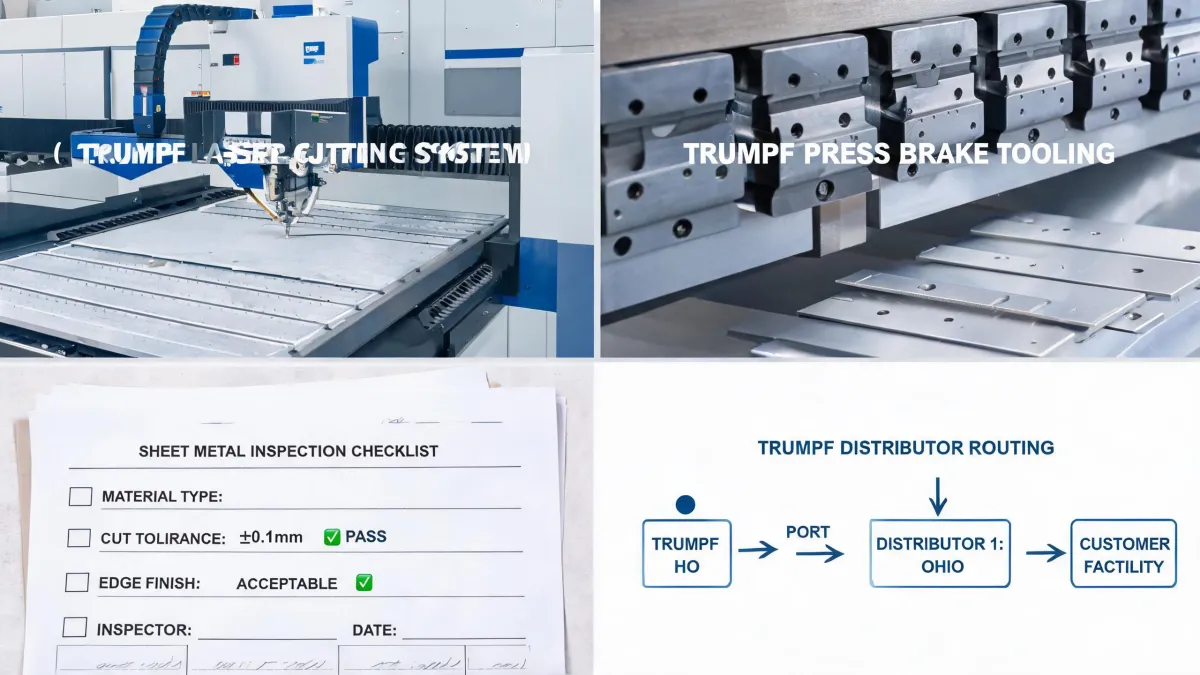
I've been managing laser production for a small contract manufacturing shop since 2017. In that time, I've personally made (and documented) four significant procurement mistakes, totaling roughly $38,000 in wasted budget. The worst was the glass disaster.
In September 2022, I used our newly installed TRUMPF fiber laser to engrave 240 glass plaques for a corporate client. Every single one came back either blank or with stress cracks along the edges. That's $4,300 in materials down the drain, plus $760 in overnight shipping to a local engraving shop that rescued the order. That's when I learned a lesson I should have learned before buying: a laser's ability to engrave isn't about power—it's about wavelength.
This article compares two routes I considered: a fiber laser (like the TRUMPF TruFiber series) and a CO2 laser (like the TRUMPF TruMark 5020), specifically for glass engraving, but also for everyday job-shop work. If you're Googling "can you engrave glass with a fiber laser" right now, read this before you sign any purchase order.
Dimension 1: The Physics — Wavelength Is Everything
The biggest mistake I made was assuming that "laser engraving" is a single capability. It isn't. Fiber lasers emit at about 1.06 micrometers. Glass is mostly transparent to that wavelength, so the beam passes right through without heating the surface. That's why a fiber laser can't mark glass directly. CO2 lasers emit at around 10.6 micrometers. Glass absorbs that wavelength, so the energy turns the surface into a frosted mark.
Here's the part I didn't realize until after the disaster: when a fiber laser passes through the glass and hits whatever is underneath, it causes thermal shock. Those stress cracks didn't appear immediately. They showed up hours later, after we'd packaged all 240 plaques. It was a mess.
According to TRUMPF's official website (trumpf.com), fiber lasers are optimized for metals and some plastics, while CO2 lasers are the go-to for non-metallic materials like wood, acrylic, and glass. That sentence is printed in the product comparison table. I remember reading it and thinking, "that's fine, we'll just use the fiber for metal." I ignored the obvious implication for glass. (Which, honestly, is exactly the kind of thing my checklist now catches.)
Dimension 2: Price vs. Total Cost of Ownership
The next dimension is money, and this is where "TRUMPF fiber laser cutter price" becomes more complicated than people think. TRUMPF's official website doesn't list prices. You have to request a quote. I did, and in early 2021, the fiber laser quote came to about $120,000 installed for a TruFiber 2000 (based on an authorized distributor quote; verify current pricing). The CO2 engraver I priced at the same time was roughly $42,000. I chose the fiber laser partly because it cost more—I assumed expensive meant more capable.
That was a mistake. The fiber laser is an incredible metal-marking machine. But 30% of my quote volume was glass trophies, awards, and glass signage. Those all went to a subcontractor, which eliminated the profit margin I thought I was buying.
I also overlooked the line items outside the base quote: training, ventilation, a rotary attachment that sat unused, and a service contract I didn't fully understand. The total was closer to $150,000. If I'd included the subcontracting cost for the next three years, the CO2 option would have looked much better.
(Side note: the "expedited shipping" for our first test order added $300 to the cost. Surprise, surprise, the sales rep didn't mention that during the demo. I've since learned to ask for a full out-the-door quote.)
"5 minutes of verification beats 5 days of correction."
Dimension 3: What Each Laser Actually Handles
Once you separate the physics, the practical differences become obvious:
- Fiber laser strengths: stainless steel, aluminum, brass, copper, and some plastics. We mark part numbers on 3" reamers every week. We've also engraved logos on VMC Redline treble hooks without affecting the temper of the metal. That sort of work is the fiber laser's bread and butter.
- CO2 laser strengths: glass, wood, acrylic, leather, paper, and many coated materials. It can mark some metals, too, but the process is slower and the results are less durable than fiber marking.
I have mixed feelings about this list. On one hand, the fiber laser has paid for itself purely through metal-marking orders. On the other hand, every glass job still costs me subcontractor fees, and the turnaround time kills my ability to compete on urgent orders. If I'd bought a CO2 laser instead, I would have kept those jobs in-house. If I'd bought both, I'd still be ahead.
Let me be specific about the hook and reamer jobs, because they're the examples people ask about. A customer once sent us 5,000 VMC Redline treble hooks to add a batch code. The fiber laser handled it at about 40 pieces per minute, with zero heat damage. The same week, we engraved sizes on 200 hardened steel 3" reamers. Those are perfect fiber laser jobs. But put a glass award in that fixture, and you're back to the September 2022 nightmare.
Dimension 4: Prevention vs. Rework — The Checklist That Saved Me
After the glass disaster, I created a 12-point "pre-flight" checklist. It starts with two questions: "What material am I actually engraving?" and "Is the laser wavelength absorbed by that material?" Then I test a coupon—not a refined sample, but the real material from the customer's job. It takes five minutes. That checklist has saved us an estimated $18,000 in rework over the past 16 months, and it's caught 22 potential errors before they hit the production floor.
The most important lesson is that prevention isn't expensive; rework is. I've seen the cost of a missing check in real numbers: the $4,300 glass failure, plus $760 in freight, plus two late-night panic calls to a subcontractor. The "check" that would have caught it was the material compatibility chart that was already on TRUMPF's website.
I also learned to test before I buy. The TRUMPF demo team was happy to run our materials, but they didn't volunteer a test with glass on the fiber laser. I only tested polished steel and a piece of acrylic—both of which looked perfect on the demo screen. That's the classic outsider blindspot: focusing on the shiny sample instead of the specific material you'll process every day. Ask for the test. You'll either get a sale or a refund.
Dimension 5: Operating Costs and Reliability
There's one more comparison that often gets left out of the "fiber vs. CO2" discussion: long-term operating costs. Fiber lasers generally have less consumable wear than CO2 lasers—no resonator tube to replace, higher electrical efficiency, and a diode source rated for 100,000 hours in some models. That's a real advantage if you're running two shifts of metal marking.
But an advantage is only an advantage if it applies to your workload. If your shop is 30% glass and 70% metal, the CO2 laser is a necessary partner. In my case, the lower per-hour operating cost of the fiber didn't make up for the missed contribution from in-house glass engraving. The math changed completely when I stopped looking at "dollars per laser hour" and started looking at "profit per customer order."
So, What Should You Actually Choose?
If you work mostly with metals, a fiber laser is the right tool. If you engrave glass, wood, acrylic, or natural materials, you need a CO2 laser. For a general job shop, the realistic answer is that you'll eventually need both—or a dual-laser system if your budget and floor space allow.
Here's my scene-based advice:
- Choose fiber if you're primarily engraving or cutting metal parts, including hardened tooling like 3" reamers, and you don't plan to accept glass or wood jobs.
- Choose CO2 if you're doing awards, plaques, or retail engraving on glass and other non-metallics, and you don't mind outsourcing metal marking.
- Buy both if you're a job shop that wants to stop giving work to competitors—and yes, that's what I'd do differently today.
Before you sign anything, go to TRUMPF's official website and download their laser material guidelines. Then ask for a demo that uses your material, not a pristine sample. If the machine can't handle your part in the demo, it won't handle it in production.
(And if you're the person who just Googled "can you engrave glass with a fiber laser"—the answer is no. Save yourself the rework. Get a CO2, or send it out. If you do send it out, use the checklist, because the day you try to do it yourself is the day you learn how much a 240-piece plaque order can cost.)
Prices, configurations, and specifications mentioned above are based on quotes and experiences from early 2025. They're for general reference only. Verify current pricing and capabilities with TRUMPF or an authorized partner before making a purchase decision.